Common Cloud Misconfigurations (Real Examples)
May 07, 2026 | Cloud Security
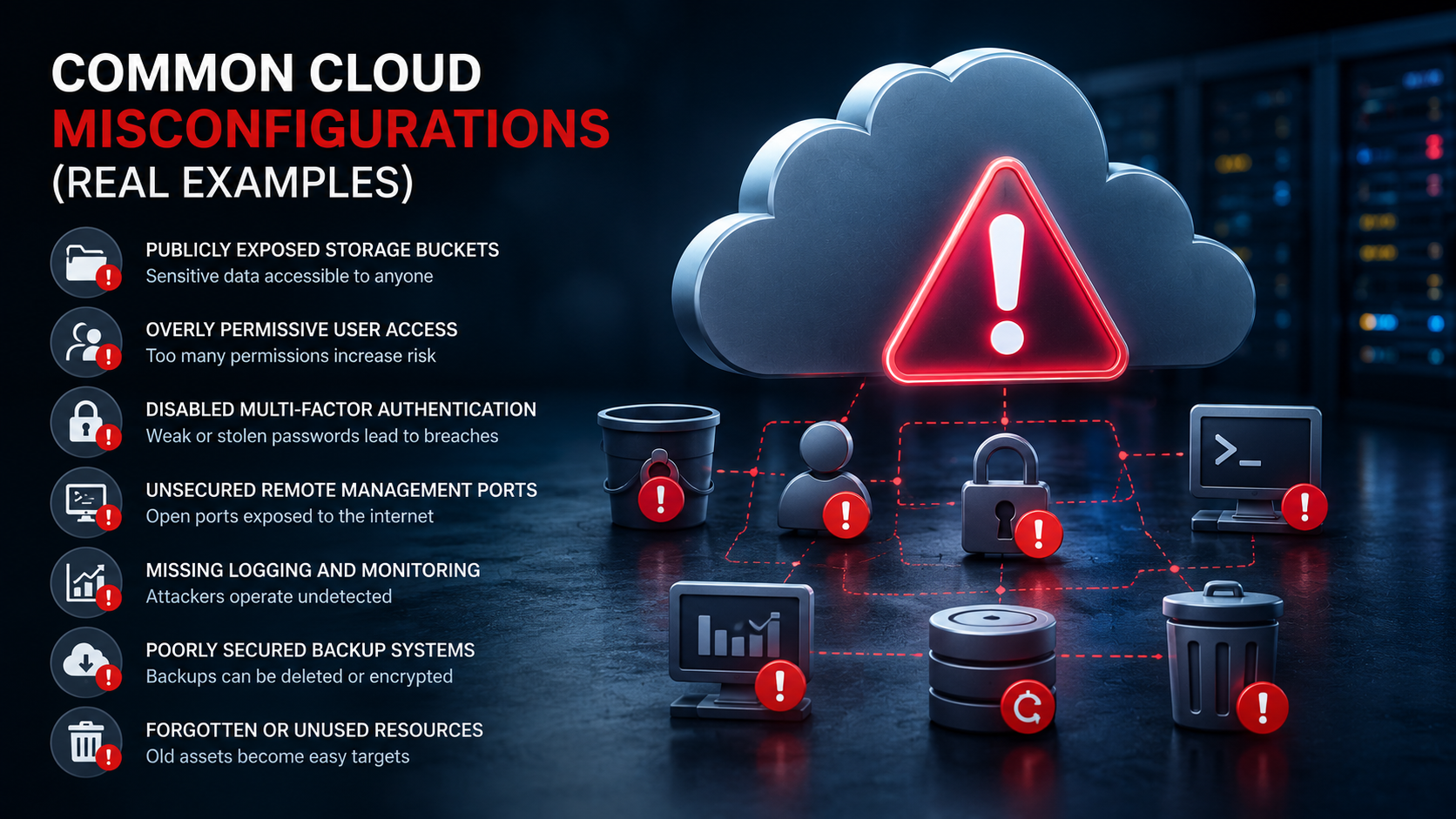
Cloud platforms offer flexibility, scalability, and powerful security features, but they also introduce new risks when environments are configured incorrectly.
In many cases, cloud security incidents are not caused by advanced hacking techniques. Instead, they result from simple misconfigurations that leave systems, applications, or sensitive data unintentionally exposed to the internet.
Even major organizations with experienced IT teams have suffered breaches caused by preventable cloud configuration mistakes.
Understanding the most common cloud misconfigurations can help businesses reduce their attack surface and strengthen their overall cloud security posture.
Publicly Exposed Storage Buckets
One of the most well-known cloud security issues involves publicly accessible storage buckets.
Cloud storage services such as Amazon S3, Azure Blob Storage, and Google Cloud Storage are often used to store backups, customer data, internal documents, and application files.
If access permissions are configured incorrectly, these storage locations can become publicly accessible without the organization realizing it.
Real-world incidents have exposed:
• Customer records
• Financial documents
• Login credentials
• Internal source code
• Sensitive healthcare information
In many cases, attackers did not need to exploit vulnerabilities because the data was already openly available online.
Overly Permissive User Access
Excessive permissions are another common cloud security problem. Many businesses grant administrator-level access to users, applications, or third-party integrations that do not actually require it.
This increases the potential damage if an account becomes compromised.
A common example is granting full administrative rights to developers or automated scripts for convenience during deployment. If those credentials are leaked or abused, attackers may gain broad control over the entire cloud environment.
Businesses should apply the principle of least privilege by limiting access rights to only what is necessary for each user or system.
Disabled Multi-Factor Authentication
Multi-factor authentication (MFA) provides an additional layer of protection against stolen credentials, yet many cloud environments still rely only on passwords.
Attackers frequently target cloud administrator accounts using phishing attacks, password reuse, or credential stuffing techniques.
Without MFA enabled, a compromised password may provide direct access to:
• Cloud dashboards
• Virtual machines
• Databases
• Backup systems
• Security settings
Enforcing MFA for all privileged accounts is one of the simplest and most effective cloud security improvements businesses can implement.
Unsecured Remote Management Ports
Cloud servers are often deployed with remote access services such as RDP or SSH enabled for administration purposes.
When these management ports are exposed directly to the internet without proper restrictions, attackers can identify and target them using automated scanning tools.
Real-world attacks frequently involve:
• Brute-force password attacks
• Exploitation of outdated services
• Credential theft
• Malware deployment
Businesses should restrict management access using VPNs, IP allowlists, bastion hosts, or zero-trust access solutions.
Missing Logging and Monitoring
Many organizations deploy cloud infrastructure without enabling proper logging or security monitoring.
This creates dangerous visibility gaps that make it difficult to detect suspicious behavior or investigate incidents after they occur.
Without monitoring, businesses may not notice:
• Unauthorized access attempts
• Large data transfers
• Privilege escalation
• Malicious API activity
• Configuration changes
Cloud-native logging tools such as AWS CloudTrail, Azure Monitor, and Google Cloud Logging should be configured and regularly reviewed.
Poorly Secured Backup Systems
Backups are essential for business continuity, but they can also become a target if they are not properly secured.
Some organizations accidentally expose backup repositories to the internet or fail to isolate them from production environments.
In ransomware attacks, cybercriminals often attempt to encrypt or delete backups to prevent recovery.
Secure cloud backups should:
• Be encrypted
• Use separate access controls
• Include immutable storage protections
• Be tested regularly for recovery
Backup security is just as important as production security.
Forgotten or Unused Cloud Resources
Cloud environments change rapidly, and businesses often forget about old virtual machines, databases, storage buckets, or test environments that remain active.
These forgotten assets may:
• Run outdated software
• Lack security updates
• Contain sensitive data
• Use weak credentials
• Bypass modern security policies
Attackers frequently target abandoned cloud resources because they are less likely to be monitored or maintained.
Regular asset discovery and cloud inventory reviews help organizations identify unnecessary exposure.
How Businesses Can Reduce Cloud Misconfiguration Risks
Preventing cloud misconfigurations requires continuous visibility, governance, and proactive security practices.
Businesses should:
• Conduct regular cloud security assessments
• Implement automated configuration scanning
• Review user permissions frequently
• Enable centralized logging and alerts
• Apply security baselines across environments
• Perform penetration testing on cloud infrastructure
Security in the cloud is not static. As environments evolve, businesses must continuously validate that their configurations remain secure.
Return to blog
